Dazzler with CircuitPython: sprites in 5 minutes
The Dazzler will ship with CircuitPython bindings included. In fact, the premium pledge includes an Adafruit Metro M4, pre-loaded with the Python libraries. It's ready to go!
So here's a brief walkthrough of CircitPython on the Dazzler.
If you have pledged for the
**Dazzler Python Game Pack**
then you can run this straight out of the box.
This text is taken from the Adafruit Metro's serial console; you can connect to it and start driving the Dazzler (or any Gameduino 3 or 3X) from the CircuitPython prompt.
    >>> import bteve as eve
    >>> gd = bteve.Gameduino()
    >>> gd.init()
at this point the Gameduino is initialized. You can confirm this by printing out the screen width and height:
    >>> gd.w
    1280
    >>> gd.h
    720
Correct! The Dazzler is indeed 1280x720 pixels. But the screen is black; how about making it bright red:
    >>> gd.ClearColorRGB(255, 0, 0)
    >>> gd.Clear()
This sets the clear color to bright red -- that's the RGB triple of (255, 0, 0).
Then ``gd.Clear()`` actually does the clear.
After you've typed this in, though, the screen doesn't change.
Because the Gameduino has fancy OpenGL-like double-buffered graphics, you need to tell it to swap this new screen for the old one:
>>> gd.swap()
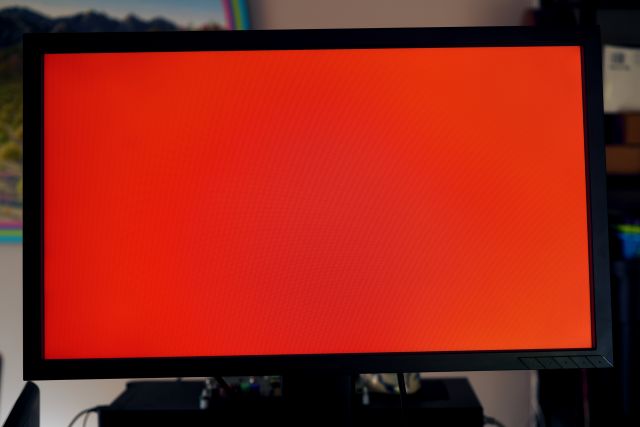
It begins!
OK, enough of the bright red. How about a nice relaxing triangle instead?
>>> gd.Clear()
>>> gd.Begin(eve.LINE_STRIP)
>>> gd.Vertex2f(100, 100)
>>> gd.Vertex2f(500, 200)
>>> gd.Vertex2f(200, 500)
>>> gd.Vertex2f(100, 100)
>>> gd.swap()
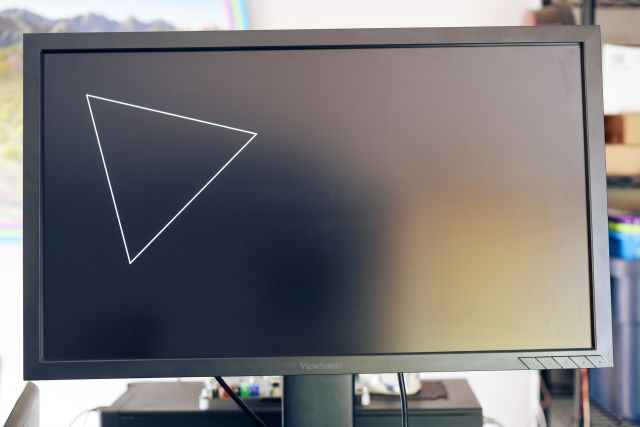
Begin(eve.LINE_STRIP) starts drawing a line strip, a connected series of lines. Then each gd.Vertex2f() draws one corner of the triangle. The fourth call closes the loop.
The Dazzler can do a lot more, of course. It can paint images on the screen almost as easily.
First load the image with:
    >>> gd.cmd_loadimage(0, 0)
    >>> gd.load(open("blinka.png", "rb"))
Then draw it using very similar code, but with LINE_STRIP changed to ``eve.BITMAPS``:
    >>> gd.Clear()
    >>> gd.Begin(eve.BITMAPS)
    >>> gd.Vertex2f(100, 100)
    >>> gd.Vertex2f(500, 200)
    >>> gd.Vertex2f(200, 500)
    >>> gd.swap()
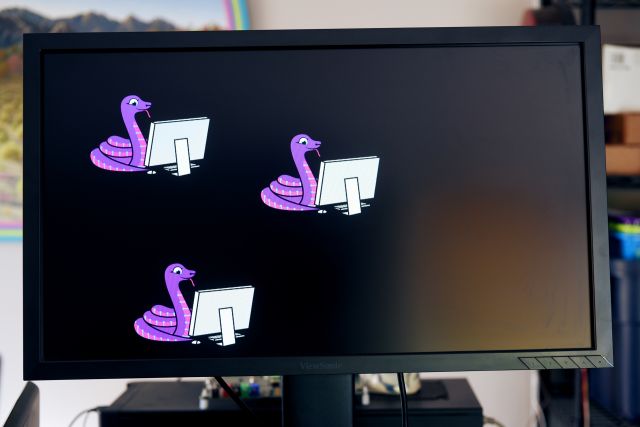
How about filling the screen with 100 random Blinkas?
    >>> import random
    >>> gd.Clear()
    >>> gd.Begin(eve.BITMAPS)
    >>> for i in range(100):
    ...     gd.Vertex2f(random.randrange(gd.w), random.randrange(gd.h))
    >>> gd.swap()
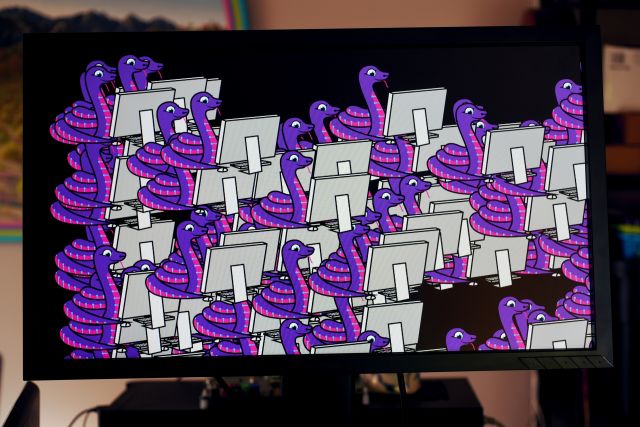
Each Vertex2f() call chooses a random point on the screen, and draws the Blinka sprite there.
It's as easy as that. Of course the Gameduino can do much more, and the CircuitPython API makes it all quite straightforward. The library will ship with a few small games in CircuitPython, as well as some demos and tutorials. Here's one I'm currently working on, a match-3 game:
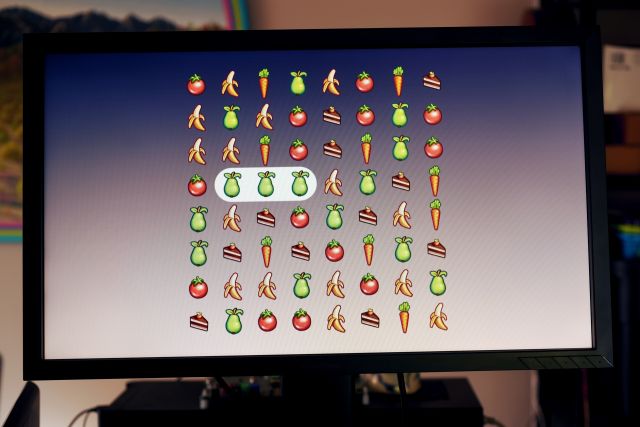
And here is a screencap. The fruit sprites are by Ravenmore at OpenGameArt.

The source for the game - in development - is here in the py-bteve repo.
Thanks for reading. Please help spread the word on Dazzler, or even back it if you're so inclined. Thanks again!