Text in the modern style
For the (now retired) TermDriver, I used the FT810's VGA text mode. As the name implies it draws in the style of the old VGA, so you get things like this. The text is 1-bit per pixel, on an 8x16 grid. This was pretty good when introduced 1981, when the CGA option was sold with the original IBM PC.
Things have moved forward. For text output on terminals monospace fonts are still used - but now we all expect properly designed fonts with antialiased edges.
Gameduino Dazzler is going to have quite good text support, better than TermDriver, so I've been working on better-looking text mode this week.
The first step is to take some existing monospace font and draw the ASCII character set into a fixed-size bitmap. Here the original font is IBM's Plex Sans Monospace, sized at 11x19 pixels per character. All the glyphs for the 96 ASCII codes fit in a bitmap:
On the Dazzler, set up memory as a 1280x720 bitmap. Then to draw a character, copy a glyph into the corresponding place in bitmap memory:
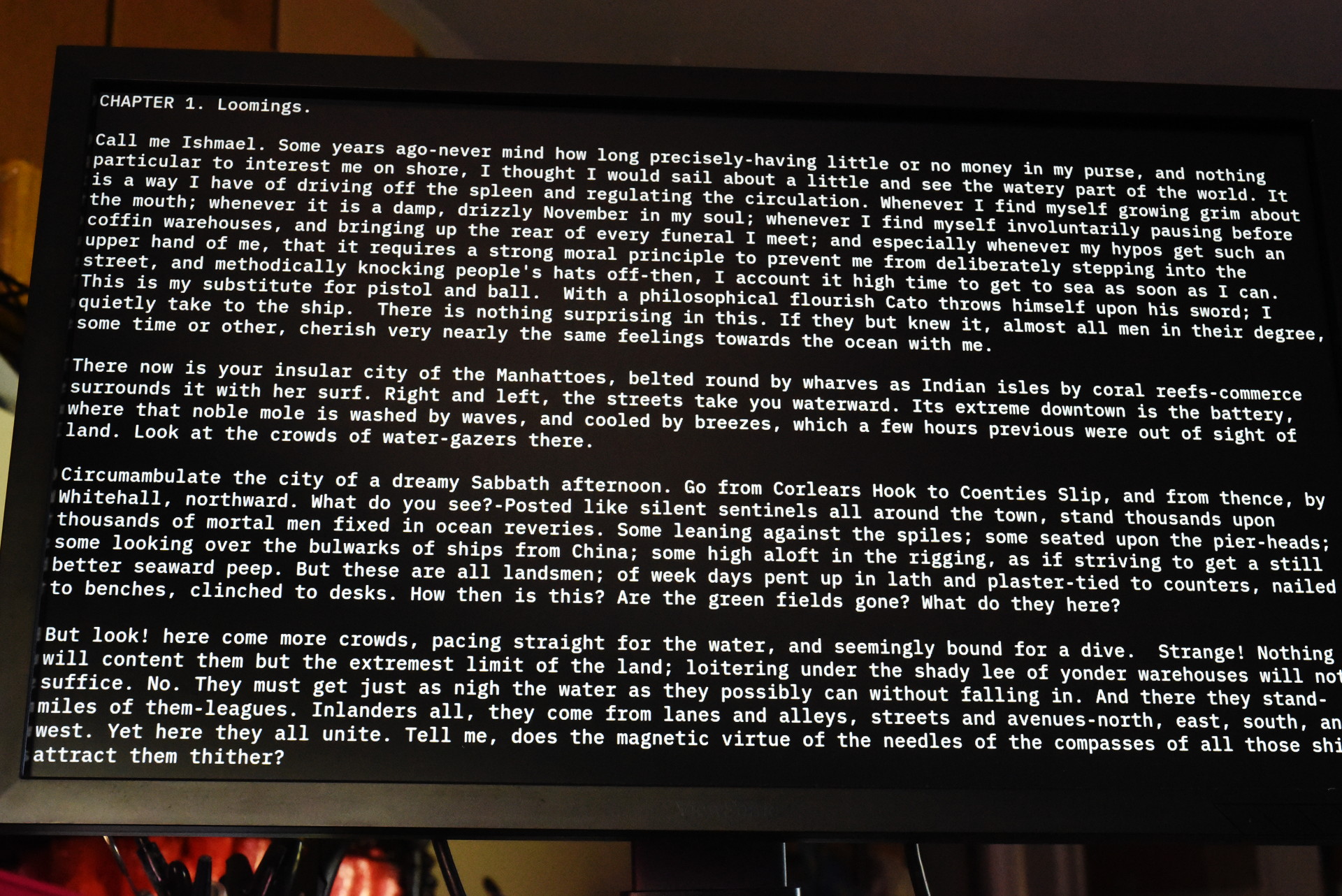
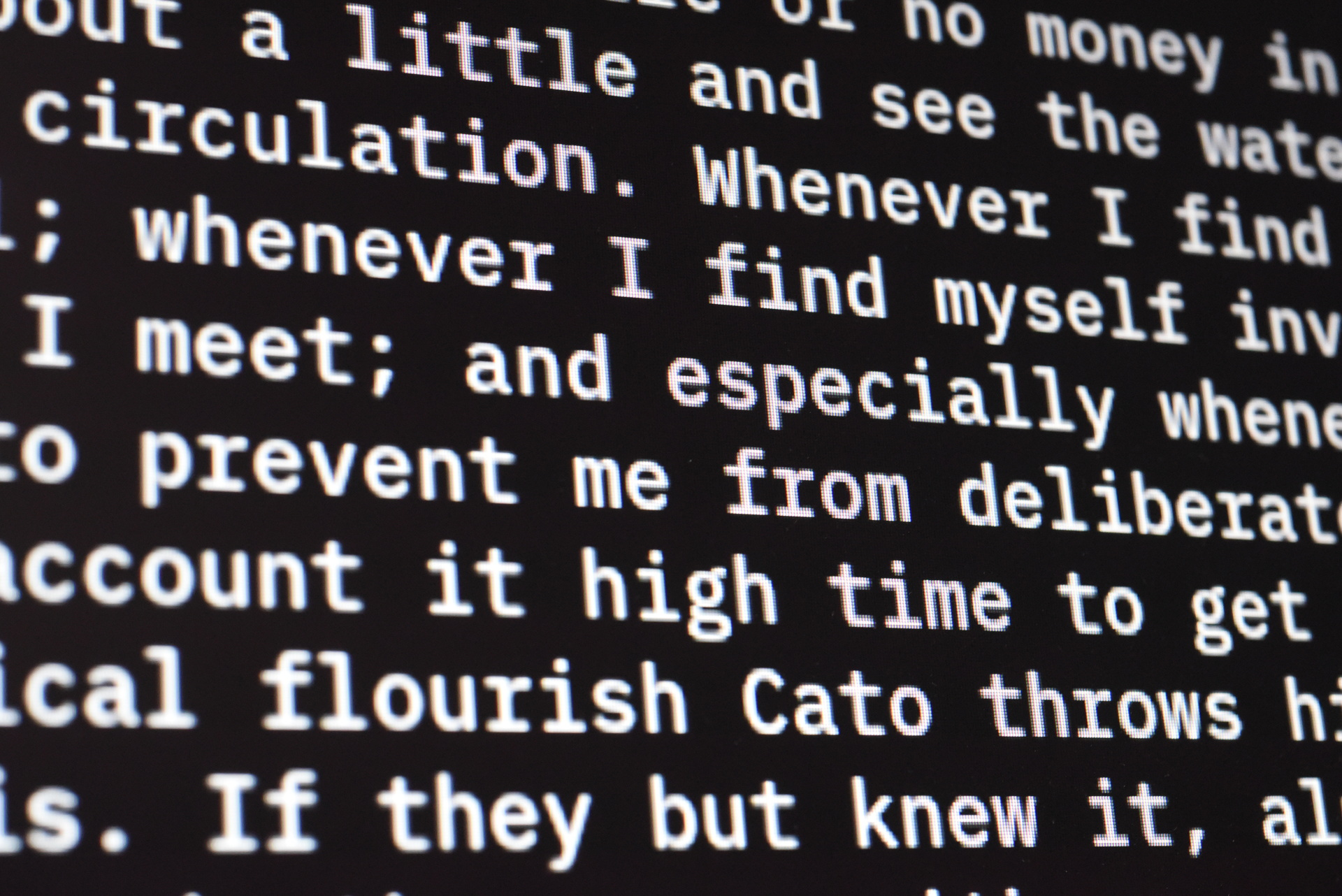
Any monospace font can be used, according to your taste, and it's much better looking than the old VGA font. However, updates are quite slow, because drawing a character requires 209 bytes to be written over the SPI bus. Fortunately the FT8xx chips have a very fast RAM-to-RAM copy (cmd_memcpy() in the documentation). So instead of laboriously writing every pixel, the MCU can load the font once into memory, then have the EVE chip to a memory-memory copy to draw the character. So now there are two bitmaps in memory: the font at address 0, and the full-screen bitmap starting at address 0x10000:
This makes things much faster. To draw a character the MCU only needs to send a single mem_memcpy() command, setting the source address to the font bitmap and the destination to the full-screen bitmap.
How about color? Ideally, there would be a pixel in memory that control's each character's color. With a little bit of color blending, the EVE can do this. I'll break it down step-by-step.
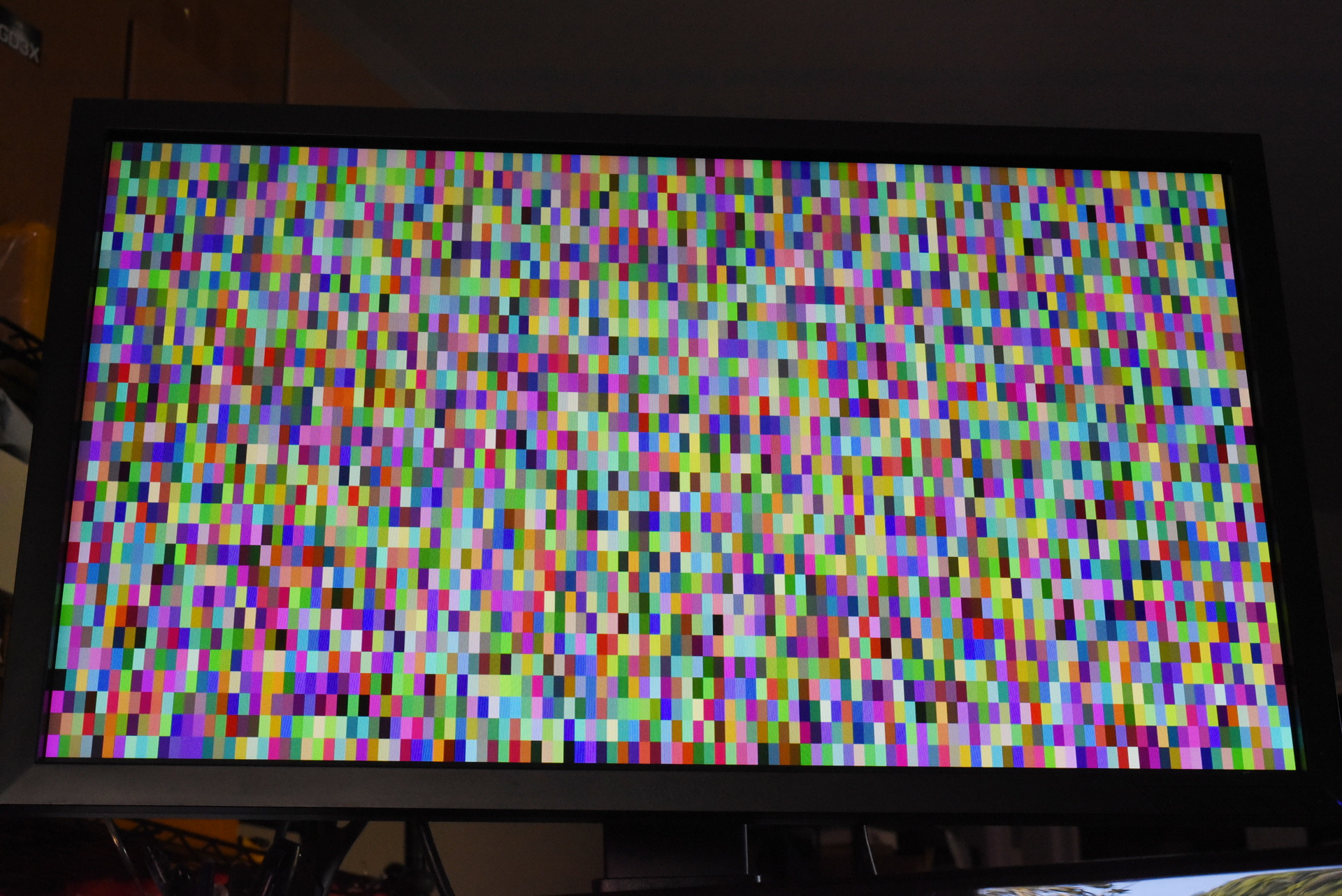
First create an RGB bitmap that has one pixel for each character, like this (it's filled with random data to make it visible):
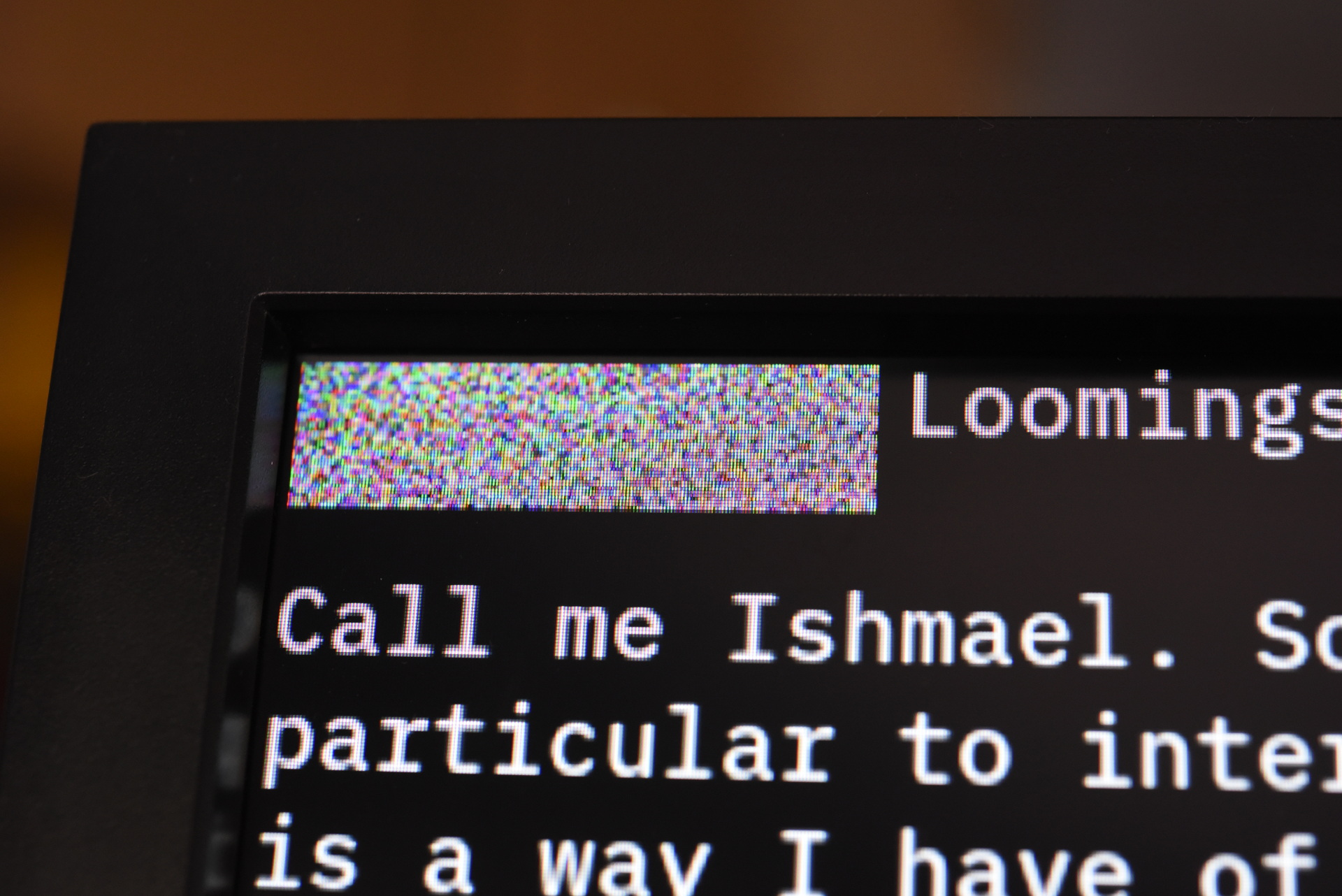
Then zoom this by the font size (11 in X and 19 in Y) so it covers the whole screen:
The text is still there, underneath. By setting up the blend modes, the EVE will use the text bitmap as a "mask" for the pure colors of the color bitmap:
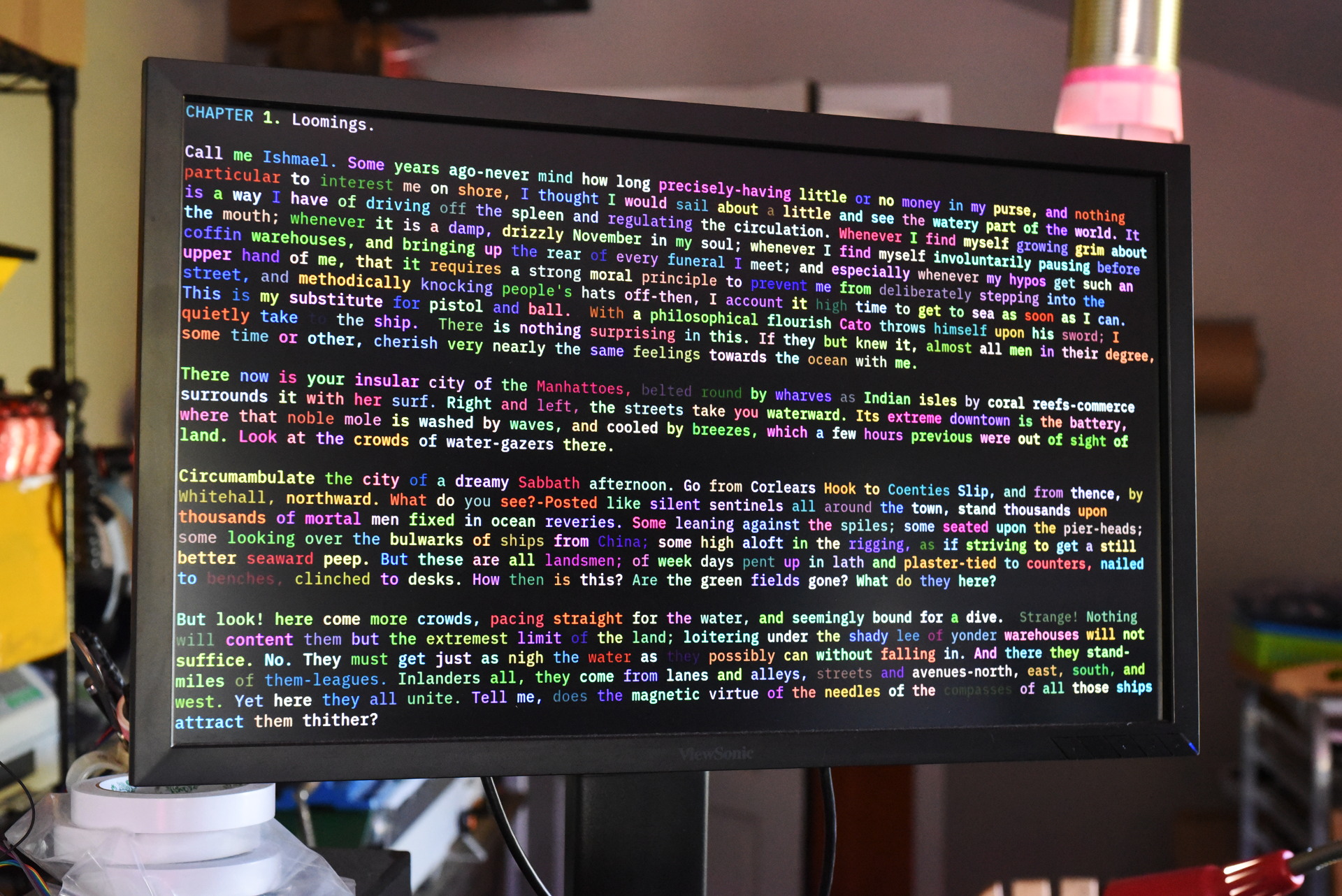
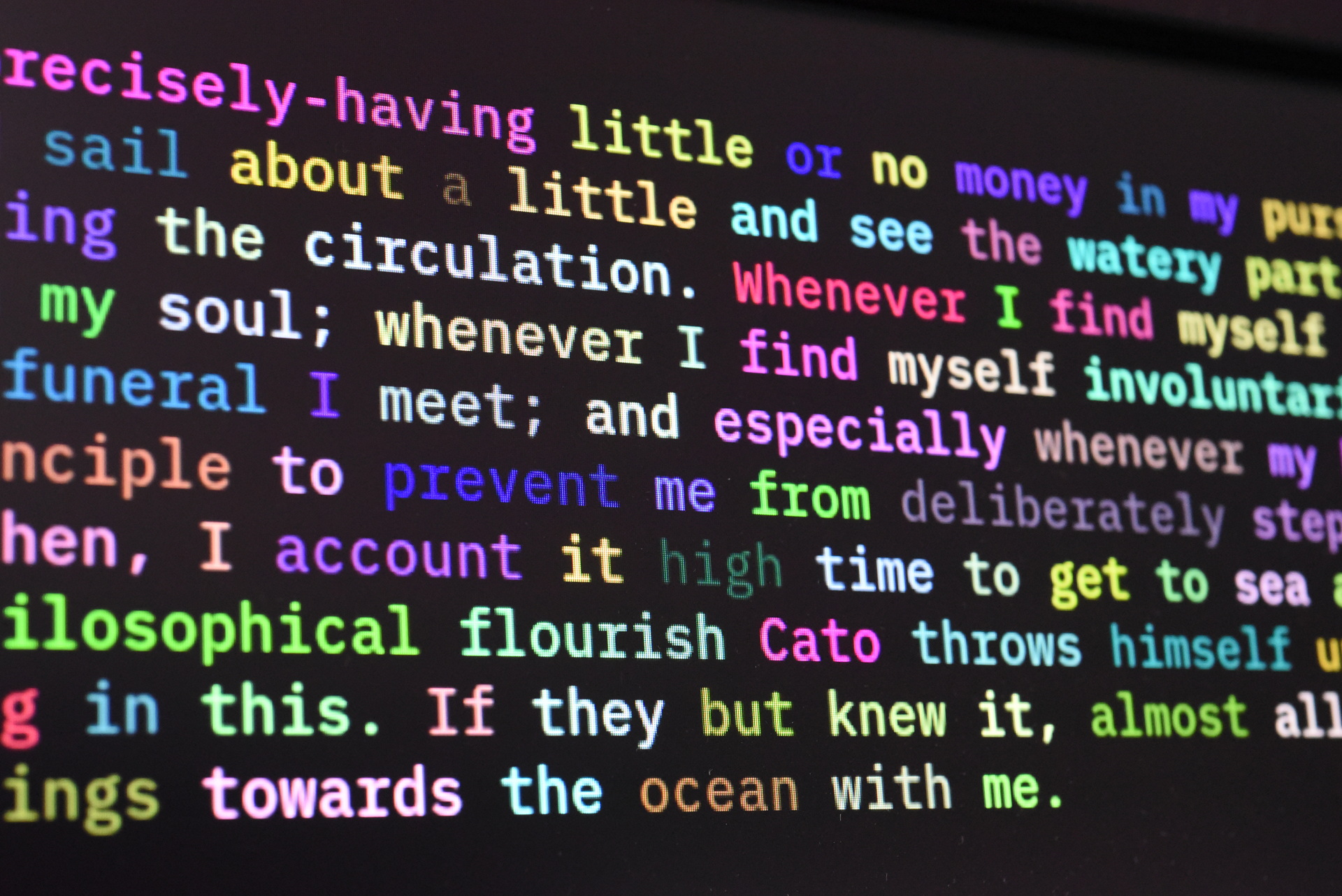
With this setup, the memory map now has three parts: the original font (address 0), the color map (address 8000), and the full-screen bitmap (address 10000):
So to draw a character, the MCU issues a cmd_memcpy() to plot the glyph, and writes a single pixel to set the character color. This is really fast -- able to render more than 1 million characters per second, so easily able to keep up with a high-speed serial line.
Thanks for reading. Please share the newsletter with anyone who might be interested.